
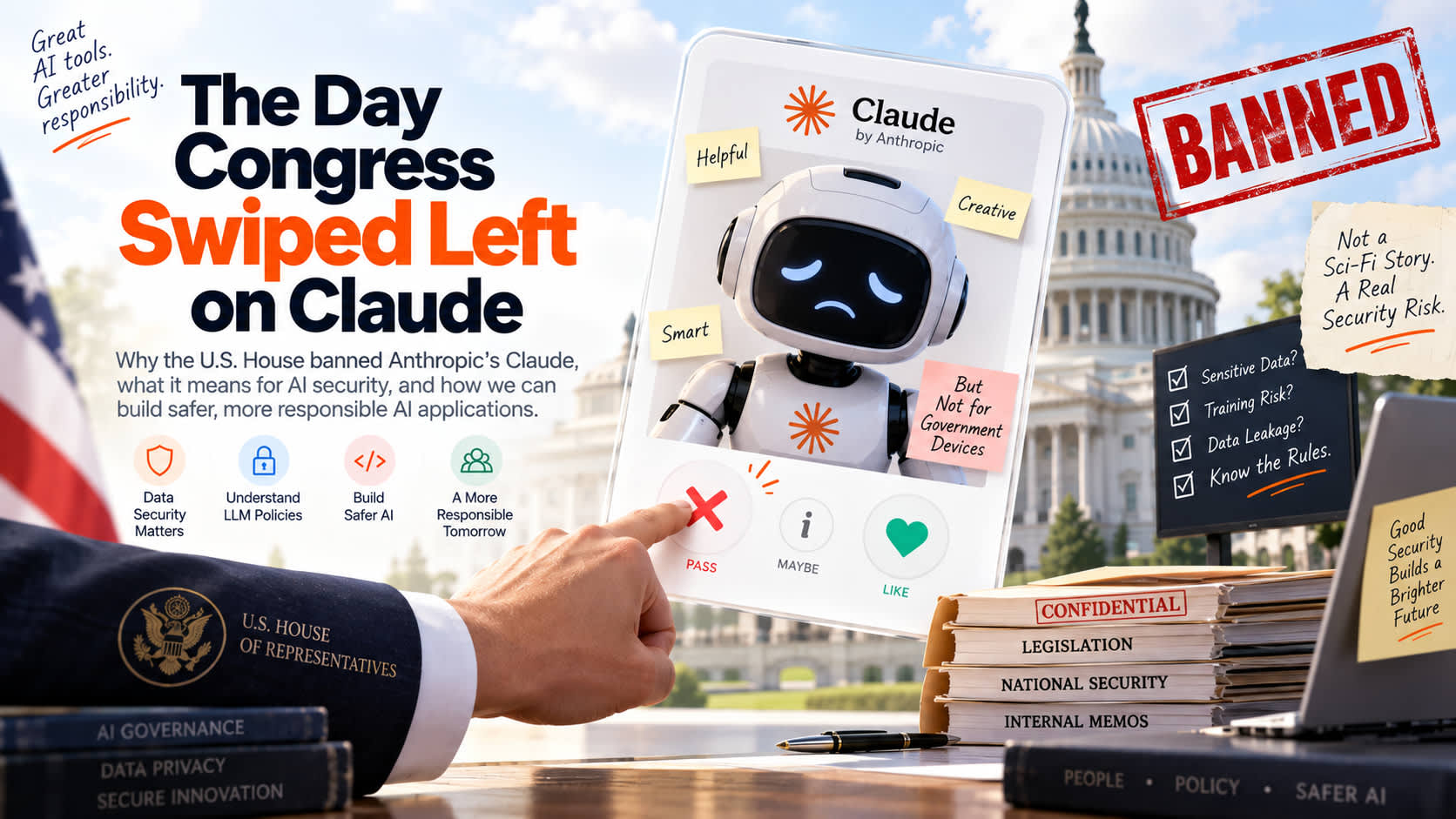

ඇමරිකානු රජය Claude AI තහනම් කළේ ඇයි?
ඇමරිකානු රජය (US House of Representatives) විසින් ඔවුන්ගේ සේවකයින්ට රාජකාරී වැඩ සඳහා Claude AI පාවිච්චි කිරීම සම්පූර්ණයෙන්ම තහනම් කළා. මේක ඇහුවම අපිට හිතෙන්න පුළුවන් Claude එකෙන් මොකක් හරි ලොකු security hack එකක් සිද්ධ වුණාද කියලා. හැබැයි ඇත්තම කතාව ඊට වඩා සරලයි වගේම හරිම වැදගත් එකක්. මේ තහනමට හේතුව තමයි Data Privacy නැත්නම් දත්තවල රහස්යභාවය පිළිබඳ ප්රශ්නය.
අපි හුඟක් වෙලාවට වැඩ ලේසි කරගන්න කියලා අපේ sensitive data, code snippets නැත්නම් confidential documents මේ වගේ AI tool එකකට upload කරනවා. ඉතින් මේකෙන් වෙන්න පුළුවන් ලොකුම අනතුර මොකක්ද සහ developer කෙනෙක් විදිහට අපිට මේකෙන් ඉගෙනගන්න පුළුවන් පාඩම් මොනවාද කියලා අපි සරලව කතා කරමු.
ප්රධානම ගැටලුව: The Training Loop Trap
අපි Claude හෝ ChatGPT වගේ ඕනෑම public AI tool එකක free version එකක් පාවිච්චි කරනකොට, අපි දාන prompts සහ documents ඒ model එක තවදුරටත් train කරන්න (fine-tuning) පාවිච්චි කරනවා. මේක තමයි ලොකුම අවදානම.
හිතන්නකෝ රජයේ නිලධාරියෙක් තවම public කරපු නැති රහසිගත පනත් කෙටුම්පතක් (draft bill) Claude එකට දාලා "මේක තව ටිකක් professional විදිහට හදලා දෙන්න" කියලා කිව්වා කියලා. දැන් මේ document එක තියෙන්නේ Anthropic සමාගමේ servers වල. පස්සේ දවසක වෙනත් කෙනෙක් ඒ විෂය ගැනම Claude එකෙන් ප්රශ්නයක් ඇහුවොත්, සමහරවිට අර රහසිගත document එකේ තිබුණු කරුණු අලුත් පිළිතුරක් විදිහට එළියට යන්න පුළුවන්. මේක තමයි Training Loop Trap එක කියන්නේ.
මේක නිකන්ම උපකල්පනයක් විතරක් නෙවෙයි. 2023 වසරේදී Samsung සමාගමේ engineers ලා පිරිසක් ඔවුන්ගේ අලුත්ම source code එකක් සහ internal meeting notes වගයක් ChatGPT එකට දාලා check කරන්න ගිහින් විශාල දත්ත කාන්දුවක් (data leak) සිද්ධ වුණා.
Web Interface සහ Developer API අතර වෙනස
අපි මේ දත්ත කාන්දුවීම් වළක්වා ගන්න නම් ප්රධාන කරුණු දෙකක් තේරුම් ගන්න ඕනේ.
- Consumer Web Interfaces (Free/Plus web chat): මේවායේදී ඔයා දාන දත්ත AI model එක train කරන්න පාවිච්චි කරන්න ඉඩ තියෙනවා. රජයේ ආයතන තහනම් කළේ මේ ක්රමයයි.
- Developer APIs: ඔයා API එකක් හරහා (උදාහරණයක් විදිහට Python code එකකින්) Claude සම්බන්ධ කරගන්නවා නම්, Anthropic සමාගමේ policy එකට අනුව ඒ දත්ත model train කරන්න පාවිච්චි කරන්නේ නැහැ. ඒවා දින 30 කින් delete කරලා දානවා.
ආරක්ෂිත AI Gateway එකක් සාදා ගන්නේ කෙසේද?
අපේ ආයතනයක සේවකයින්ට AI පාවිච්චි කරන්න දෙනකොට කෙලින්ම public web interface එක දෙන්නේ නැතුව, අපිට පුළුවන් සරල API proxy එකක් හදන්න. මේ proxy එකෙන් කරන්නේ user දාන prompt එකේ තියෙන රහසිගත දත්ත (Passwords, API keys, Emails) අයින් කරලා (sanitize කරලා) ඊට පස්සේ විතරක් Claude API එකට යවන එකයි.
පහත තියෙන්නේ Python වලින් ලියපු සරල Data Loss Prevention (DLP) proxy එකක් වැඩ කරන විදිහ පෙන්වන code එකක්.
import re
import os
from anthropic import Anthropic

# රහසිගත දත්ත හඳුනාගැනීමට සරල Regex රටා
API_KEY_PATTERN = r"(?:key|secret|password|token)\s*=\s*['\"]([a-zA-Z0-9-_]+)['\"]"
EMAIL_PATTERN = r"[a-zA-Z0-9._%+-]+@[a-zA-Z0-9.-]+\.[a-zA-Z]{2,}"

def sanitize_prompt(prompt: str) -> str:
    # API keys සහ Passwords ඉවත් කිරීම
    sanitized = re.sub(API_KEY_PATTERN, "[REDACTED_CREDENTIAL]", prompt, flags=re.IGNORECASE)
    # Email ලිපින ඉවත් කිරීම
    sanitized = re.sub(EMAIL_PATTERN, "[REDACTED_EMAIL]", sanitized)
    return sanitized

def secure_ai_call(user_prompt: str) -> str:
    # 1. මුලින්ම prompt එක clean කරන්න
    clean_prompt = sanitize_prompt(user_prompt)

    # 2. Secure environment variables භාවිතයෙන් client සාදන්න
    client = Anthropic(api_key=os.environ.get("ANTHROPIC_API_KEY"))

    # 3. Clean prompt එක පමණක් API එකට යවන්න
    response = client.messages.create(
        model="claude-3-5-sonnet-20240620",
        max_tokens=1024,
        messages=[
            {"role": "user", "content": clean_prompt}
        ]
    )
    return response.content[0].text

# පරීක්ෂා කිරීම
dirty_input = "Hey Claude, can you check why my config key='sk_live_51N' is failing for test@domain.com?"
print("Original Input:", dirty_input)
print("Sanitized Output:", secure_ai_call(dirty_input))
Production එකකදී සැලකිය යුතු කරුණු
ඔයා වැඩ කරන්නේ බැංකු ක්ෂේත්රය, සෞඛ්ය ක්ෂේත්රය හෝ රජයේ ව්යාපෘතියක නම්, public APIs පාවිච්චි කරන එක තවමත් අවදානම් වෙන්න පුළුවන්. ඒ සඳහා අපිට විකල්ප දෙකක් තියෙනවා:
1. Virtual Private Cloud (VPC) භාවිතය
AWS (Amazon Bedrock හරහා) සහ Google Cloud (Vertex AI හරහා) වැනි සේවාවන් මඟින් Claude සහ Gemini වැනි models ඔයාගේම private cloud එකක් ඇතුළේ run කරන්න අවස්ථාව දෙනවා. එවිට දත්ත කිසිම වෙලාවක ඔයාගේ cloud සීමාවෙන් පිටතට යන්නේ නැහැ.
2. Open Source Models Self-Host කිරීම
Llama 3 හෝ Mistral වැනි open-source models ඔයාගේම servers වල run කරගන්න පුළුවන්. මෙහිදී දත්ත පිටතට යාමේ අවදානම 0% ක් වෙනවා. හැබැයි මේ සඳහා යන server cost එක සහ නඩත්තු කටයුතු ඔයාටම බලාගන්න වෙනවා.
අවසාන අදහස
ඇමරිකානු රජය Claude තහනම් කිරීමෙන් අදහස් වෙන්නේ AI තාක්ෂණය නරකයි කියන එක නෙවෙයි. අපේ දත්ත ආරක්ෂා කරගන්න අපි මීට වඩා සැලකිලිමත් වෙන්න ඕනේ කියන එකයි. අපි කිසිම වෙලාවක අපේ database passwords හෝ රහසිගත ලියකියවිලි පාරේ යන අඳුනන්නේ නැති කෙනෙකුට දෙන්නේ නැහැ නේද? ඉතින් ඒ වගේම තමයි, කිසිම public AI text box එකකටත් ඒ වගේ දේවල් දාන්න එපා.